Why voice-to-text is not just faster typing
A practical way to think about voice dictation as a thinking tool, not only a shortcut for getting words onto the page.
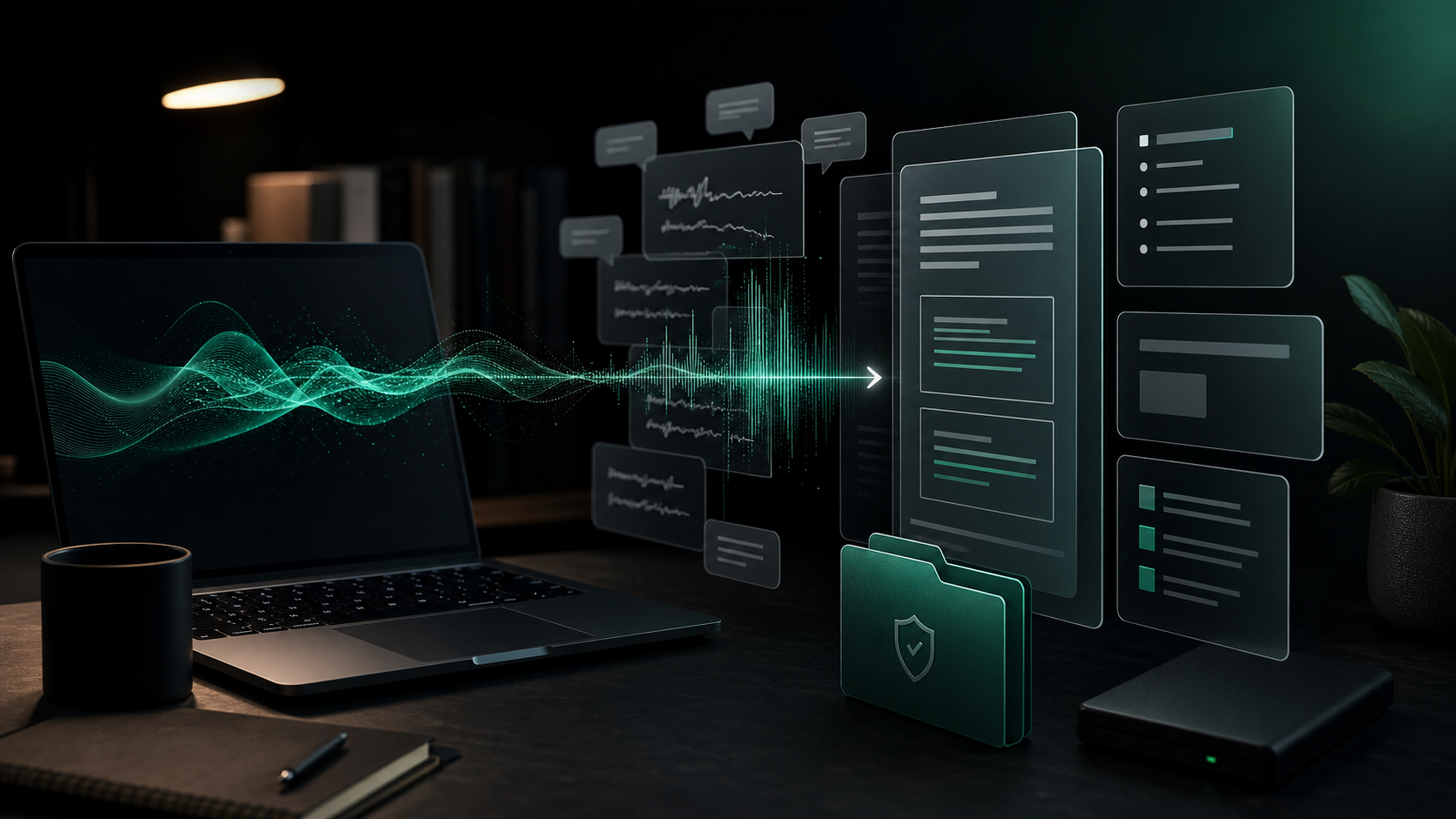
Most people try voice-to-text with the wrong expectation.
They treat it like a faster keyboard. If the transcript is not perfect, or if they still have to edit afterward, they decide dictation failed.
That misses the better use case. Voice is not only about entering finished words more quickly. It is a different way to get rough thinking out of your head before your inner editor slows it down. The value shows up when you separate capture from cleanup.
Typing is still better for precision. Voice is often better for momentum.
Voice captures context before you compress it
When you type, you tend to edit as you go. That is useful when the sentence needs to be exact. It is less useful when you are still figuring out what you mean.
Speaking lets you include the messy context first:
- Why a decision feels risky.
- What happened before the customer asked the question.
- Which tradeoff you are trying to explain.
- What part of the prompt needs more background.
- Why a short reply would sound too abrupt.
That context might not belong in the final version. It still helps you find the final version.
For example, a typed support reply might start with the safest sentence you can think of. A spoken draft might include the real shape of the issue: what the user tried, where the product was confusing, which detail matters, and what you would do next. Once that is on the page, you can cut it down into a clearer answer.
The transcript is raw material, not a performance.
Use voice when the blank page is the problem
Voice is especially useful when you know the subject but do not know the opening line.
That happens with:
- Client follow-ups.
- Internal updates.
- Product notes.
- Bug reports.
- Meeting recaps.
- AI prompts.
- Awkward emails.
- First drafts of articles or proposals.
In those cases, the first job is not beautiful writing. The first job is motion.
Try dictating one sentence that starts with: "What I am trying to say is..." Then keep going for twenty or thirty seconds. Do not worry about the opening line. Explain the point as if you were telling a colleague what the document needs to do.
You will usually get something too long, too loose, and too repetitive. That is fine. It is easier to edit a rough paragraph than negotiate with an empty field.
Dictate the reasoning, then type the final wording
A good voice workflow gives each input method a job.
Use voice for:
- Explaining the situation.
- Listing the constraints.
- Talking through tradeoffs.
- Capturing examples.
- Getting emotional or tonal nuance onto the page.
Use typing for:
- Naming things precisely.
- Checking dates, numbers, and commitments.
- Tightening paragraphs.
- Moving sections around.
- Deleting the scaffolding.
This split works because spoken language often contains useful reasoning in the middle of clutter. The keyboard is still the fastest way to make the result deliberate.
If you expect dictation to produce a send-ready email or publish-ready paragraph, every cleanup pass feels like failure. If you expect it to produce the material for a better draft, editing feels like the normal second step.
Speak in chunks instead of streams
The easiest way to make dictation hard is to speak one long monologue.
Long recordings create long transcripts. They also hide the useful sentence inside a pile of repeated setup.
A better pattern is to dictate in short chunks:
- State the point.
- Add the context.
- List the details.
- Say the next step.
- Stop and review.
With SpeakLane, a global push-to-talk hotkey makes this habit practical. Put the cursor where you are working, hold the shortcut, dictate one chunk, release, then read what landed before adding more.
That pause matters. It keeps the draft shaped while you are still creating it.
For AI prompts, the same pattern works well. Speak the background first, then the task, then the constraints. A prompt dictated in chunks is usually more useful than a short typed command because it carries the context the model needs.
Voice is useful for tone, not just volume
The fastest words are not always the best words.
One underrated reason to dictate is that your spoken version often contains a more natural tone than your typed version. This matters when you are explaining something sensitive, pushing back, apologizing, or giving feedback.
You can say the human version first:
"I know this is frustrating, and I want to be clear about what we can fix now versus what needs a bigger change."
Then edit it into the direct written version:
"I understand why this is frustrating. Here is what we can fix now, and what would require a larger change."
Voice helps you find the posture. Typing helps you remove the extra padding.
This is also why dictation can help with client work. You can talk through the real explanation privately, then keep only the parts that belong in the final note.
Keep rough thinking private until it is ready
The rough draft is often the most sensitive version.
It may contain client names, internal assumptions, unfinished criticism, product details, or half-formed strategy. Even if the final email or ticket will eventually go into a cloud app, the messy middle does not always need to.
A local voice-to-text workflow gives you a checkpoint. Dictate the rough material, review it, remove what does not belong, then paste or insert the cleaned version where it needs to go.
In SpeakLane, transcripts and recordings can be saved in local history, and behavior such as auto-copy, auto-insert, cleanup, model choice, and retention can be tuned in Settings. The important habit is not the specific toggle. It is deciding when text is still private working material and when it is ready to move somewhere else.
That distinction is easy to skip when a tool uploads first and asks questions later.
Do not dictate everything
Voice-to-text is not a moral victory over typing. Some things are better typed from the start.
Typing is usually better when:
- The content is short and exact.
- You are editing code, formulas, or dense technical syntax.
- The wording is already clear.
- You need careful formatting.
- You are in a noisy room.
Voice is usually better when:
- The thought is bigger than the sentence.
- You are avoiding the blank page.
- You need to explain context before writing the final version.
- You want a more natural tone.
- You are drafting a long prompt, note, recap, or reply.
The goal is not to replace the keyboard. The goal is to stop forcing the keyboard to do the part where speech is better.
A simple way to practice
Pick one real task today and use voice only for the first pass.
Try this:
- Open the app where the final text belongs.
- Dictate the point in one short chunk.
- Dictate the context in a second chunk.
- Stop before you start repeating yourself.
- Edit with the keyboard.
- Delete anything that helped you think but does not help the reader.
That is enough.
You are not trying to become a person who dictates everything. You are building a small drafting loop: talk through the rough version, turn it into clean text, then finish with judgment.
When voice-to-text is used that way, speed is only part of the benefit. The bigger gain is that ideas reach the page while they still have their context attached.