How to transcribe meeting notes on Mac without a meeting bot
A practical workflow for turning meeting recordings into useful notes on your Mac without inviting another cloud bot into the call.
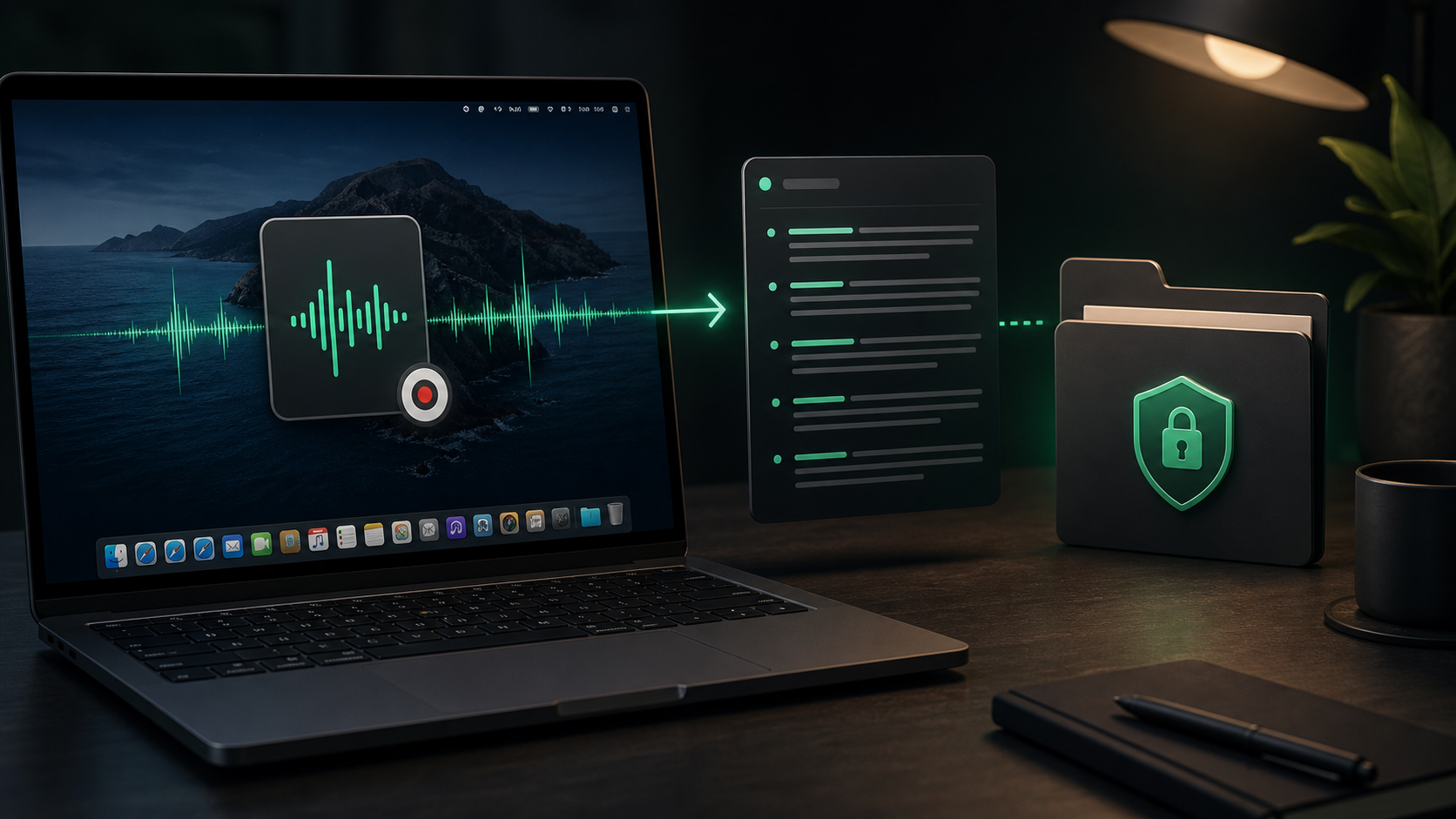
Meeting notes are often most useful after the call, not during it.
The live conversation moves quickly. People change direction, correct themselves, mention context out of order, and make small decisions that do not sound important until later. If you are also trying to participate, taking perfect notes can pull attention away from the actual work.
Meeting bots solve part of that problem, but they also change the room. They join the call, announce themselves, record in a hosted system, and usually produce a transcript inside someone else's workspace. That may be fine for some teams. It is less appealing when the meeting is small, client-sensitive, internal, or simply not worth adding another cloud service to.
For many Mac users, the cleaner workflow is simpler: work from a recording you are allowed to keep, transcribe it locally, then turn the rough transcript into notes before anything gets shared.
Start with permission and purpose
Before you think about transcription settings, decide whether the recording should exist at all.
That is not a technical question. It is a work habit. Some conversations should not be recorded. Some should be recorded only with clear agreement. Some are routine enough that a private local recording is reasonable because everyone already expects notes afterward.
Keep the purpose narrow:
- Capture decisions you might otherwise miss.
- Pull action items from a long discussion.
- Review a customer or research conversation.
- Turn a spoken walkthrough into internal notes.
- Preserve exact wording only when you have a reason to check it later.
If the goal is just "remember what happened," you probably do not need a perfect transcript, speaker labels, or a permanent archive. You need a reliable way to recover the parts that matter.
Use local transcription for the raw recording
Raw meeting audio contains more than the final notes should.
It can include side comments, names, unfinished ideas, internal disagreement, personal details, or background conversation. Even when none of that is dramatic, it is still a lot to upload casually just to get text back.
Local transcription keeps that first processing step on your Mac. You still need to decide where the finished notes go, but the rough audio does not need to pass through a meeting bot or upload-first transcription website before you have reviewed it.
In SpeakLane, Transcribe File can import common audio and video formats like m4a, mp3, wav, aac, mp4, and mov. The result lands in local history, which gives you a place to inspect the transcript before copying anything into a shared doc, ticket, email, or AI tool.
That boundary is useful. It separates private capture from deliberate sharing.
Choose the right source file
The transcript will only be as useful as the recording.
If you have a choice, use the cleanest source available. A direct recording from your Mac or call software will usually be easier to transcribe than a phone sitting across the room. A short exported clip is easier to review than a two-hour file with ten minutes of useful material buried near the end.
Before importing, ask:
- Is this the version with the clearest audio?
- Do I need the whole meeting, or only a section?
- Are there names, numbers, quotes, or commitments I will need to verify?
- Is this a file I should delete after the notes are done?
For short calls, transcribing the whole recording may be fine. For long meetings, trimming or splitting the file first can make review less painful. Smaller chunks also make it easier to choose the right model for each section instead of treating every recording the same.
Pick speed or accuracy based on the stakes
Meeting audio varies a lot.
A clean one-on-one recording may transcribe well with a faster local model. A group call with overlapping voices, poor microphones, proper nouns, or technical discussion deserves more patience.
Use a practical split:
- Use a faster model for rough internal notes, reminders, and low-risk recaps.
- Use a stronger model when the transcript includes customer language, decisions, deadlines, names, numbers, or quoted material.
- Review the original audio for anything you plan to attribute, promise, or publish.
You can choose models in Settings > Models. The point is not to make every meeting transcript perfect. The point is to spend accuracy where errors would create extra work or confusion later.
For example, a product brainstorm may only need the main ideas and next steps. A customer interview may need the exact phrasing around a complaint. A project handoff may need dates, owner names, and constraints checked carefully. Those are different jobs.
Turn the transcript into notes, not a wall of text
A full transcript is rarely the final artifact people need.
Most meeting notes should be shorter than the meeting. They should answer the practical questions someone will ask tomorrow:
- What changed?
- What did we decide?
- Who owns the next step?
- What is still open?
- What wording or quote should we preserve?
Use the transcript as source material, then cut aggressively. Pull out decisions, action items, objections, useful customer language, and any context that explains why the decision was made.
A simple structure works well:
- Summary: two to four sentences on what the meeting covered.
- Decisions: the choices that were actually made.
- Action items: owner, task, and date if there is one.
- Open questions: anything that still needs follow-up.
- Reference quotes: only the lines worth checking against the audio.
Do not try to preserve every sentence. The point of transcribing locally is to make the recording searchable and reviewable. The point of notes is to make the meeting useful after the transcript has done its job.
Keep sensitive review local until it is ready
The safest sharing habit is to edit before the text moves.
If the transcript includes rough client context, team disagreement, private names, budget numbers, or unfinished reasoning, clean it in a local document first. Remove the parts that helped you understand the conversation but do not belong in the final recap.
This is especially important if you plan to paste the notes into:
- A shared project doc.
- A customer-facing email.
- A task tracker.
- A CRM.
- An AI assistant.
- A public changelog or support article.
Local transcription does not make every later destination private. It gives you a better checkpoint before the transcript enters those systems.
SpeakLane's auto-copy and history settings can help with that kind of review workflow. For meeting files, it is usually better to inspect the transcript from history before copying only the useful parts elsewhere.
Keep history useful, not permanent by accident
Meeting transcripts can pile up quickly.
History is valuable as a safety net while you are processing a recording. It lets you reopen the transcript, compare it with the source audio, and recover a note if you copied the wrong section.
But a local history folder should not quietly become a permanent meeting archive unless that is what you intend. In History, choose a folder and retention behavior that match your actual workflow.
For most people, a practical routine is:
- Transcribe the file.
- Create the cleaned notes.
- Move the final notes into the proper project system.
- Keep the transcript only if it has future value.
- Delete the source audio when you no longer need it.
That last decision depends on your work, not the transcription app. Some recordings are important records. Others are temporary scaffolding for notes that are already finished.
A simple meeting transcription workflow
Use this the next time you need notes from a recorded meeting:
- Confirm the recording is appropriate to keep and process.
- Choose the cleanest audio or video file.
- Transcribe it locally on your Mac.
- Use a stronger model if names, numbers, or customer wording matter.
- Review the transcript from history.
- Pull out summary, decisions, action items, open questions, and quotes.
- Verify anything exact against the original audio.
- Share only the cleaned notes.
- Keep or delete the transcript and source file intentionally.
That workflow is slower than letting a bot dump a full transcript into a shared workspace, but it gives you more control over the messy middle.
For small teams, client work, research calls, product interviews, and internal planning, that control often matters more than automation. The meeting can stay human. The transcript can stay local. The notes can leave your Mac only after they are worth sharing.