How to dictate better bug reports on Mac
A practical workflow for turning spoken debugging context into clear tickets, reproduction steps, and handoff notes.
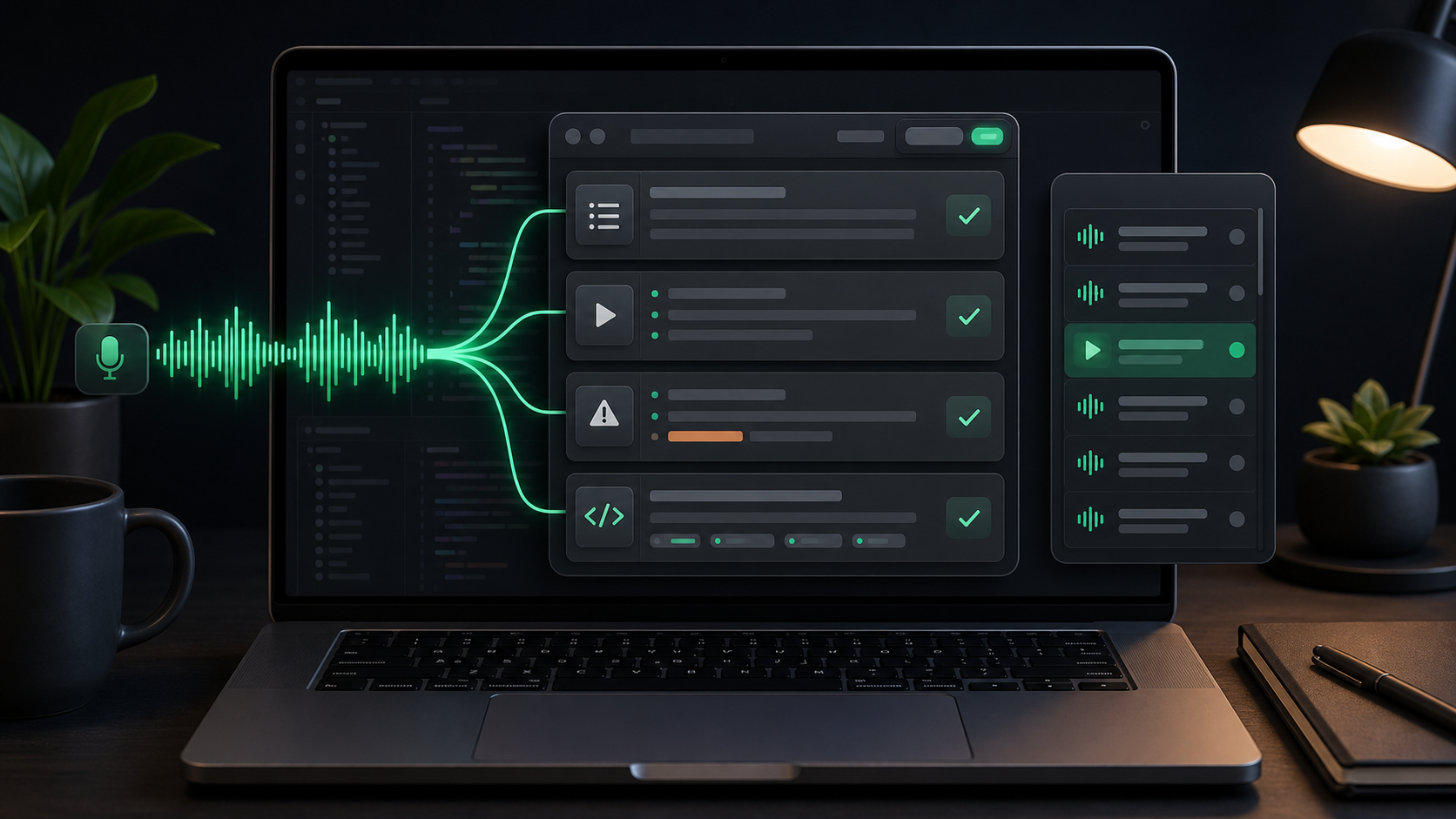
Good bug reports usually contain more context than people feel like typing.
You know what you clicked. You know what changed. You know which part surprised you, which workaround failed, and why the issue matters. But by the time you open Linear, GitHub, Jira, Notion, or a support tool, the report often shrinks into something thin:
"Checkout sometimes fails."
That sentence may be true, but it is not enough for the next person to act on. Dictation is useful because it lets you capture the debugging story while it is still fresh. The trick is to speak the messy version first, then edit it into the structure a ticket needs.
Start with the reader of the ticket
A bug report is not a diary of your investigation. It is a handoff.
The reader might be a teammate, your future self, a support engineer, a maintainer, or an AI coding assistant. They need enough information to reproduce the issue, understand the impact, and decide where to look next.
Before you dictate, name the job of the report:
- Reproduce a visible product bug.
- Capture a failing workflow before it disappears.
- Hand off an investigation to another developer.
- Explain a customer-reported issue internally.
- Give an AI coding tool enough context to start debugging.
- Preserve notes from a quick manual test pass.
That decision changes what you should say. A customer escalation needs impact and user context. A developer handoff needs environment details and hypotheses. An AI prompt needs scope, constraints, and evidence so it does not guess its way through the codebase.
Dictate the rough version before opening the final field
The first version of a useful bug report is usually not ready to paste into a shared issue tracker.
It may include customer names, internal assumptions, half-formed theories, wrong guesses, or words you would not want in the final ticket. That raw version is still valuable. It is where the details live.
Use a private scratch note when the issue is sensitive, unresolved, or messy. With SpeakLane, a push-to-talk hotkey lets you click into a note, hold the shortcut, describe the issue, release, and review the transcript before moving anything into the final destination.
If the final app is low-risk and you are comfortable editing in place, auto-insert can be faster. If the report includes customer context, unreleased product details, pricing, credentials, private URLs, or sharp internal commentary, use auto-copy in Settings and paste only after review.
The useful boundary is simple: speak freely somewhere private, then publish carefully.
Use a spoken ticket shape
Voice works better when you give it rails.
You do not need to sound formal. You just need to cover the fields that make a ticket actionable. A good spoken structure is:
- What I was trying to do.
- What I did.
- What I expected.
- What actually happened.
- What I already checked.
- What I think the next step is.
You can say that out loud almost exactly:
I was trying to renew a license from the account screen. I clicked renew, selected the saved card, and submitted. I expected the success state to appear and the account to show the new renewal date. Instead, the button stayed disabled and the account still showed the old date. I checked the network tab and the payment request returned success, so the next place to inspect is probably the account refresh after payment completion.
That is not polished prose, but it has the bones of a useful issue. It contains the goal, steps, expected result, actual result, evidence, and a starting hypothesis.
Typing that from memory later is slower and easier to flatten.
Separate facts from guesses
Dictation makes it easy to keep talking after the facts run out.
That can be helpful during private debugging, but a ticket should make it clear which parts are observed and which parts are guesses. Otherwise the next person may chase your theory instead of the issue.
After dictating, split the transcript into two groups.
Observed facts:
- The exact workflow that triggered the issue.
- Error messages, logs, or status codes you saw.
- Browser, app version, device, account state, or model setting.
- Whether the bug reproduces every time or only sometimes.
- What changed after a retry, refresh, restart, or different input.
Useful guesses:
- A likely area of the code.
- A suspected timing issue.
- A possible relation to a recent change.
- A dependency or external service that might be involved.
- A test that would confirm or disprove the theory.
Label the guesses. Phrases like "possible cause", "hypothesis", and "worth checking" are not weakness. They keep the report honest.
Keep reproduction steps short and exact
The reproduction section is where most rough transcripts need editing.
When you speak, you may include the context around every click: what you were thinking, why you went back, which tab you almost opened, and how long you waited. That is useful while investigating. It is noise in the final steps.
Turn the transcript into a short sequence someone else can follow:
- Open the account screen with an active license.
- Click Renew.
- Choose a saved payment method.
- Submit the renewal.
- Wait for the success response.
Then put the result below it:
- Expected: account shows the updated renewal date.
- Actual: button stays disabled and the old renewal date remains visible.
The final ticket does not need to preserve the whole spoken path. It needs the smallest path that still reproduces the issue.
Say exact terms slowly, then check them
Bug reports contain the details dictation is most likely to get wrong: package names, routes, feature flags, branch names, customer names, version numbers, error codes, and acronyms.
When a term matters, slow down and give it space. If the transcript still gets it wrong, fix it before the ticket leaves your scratch space.
For technical reports, it can help to use a stronger local model in Settings > Models. A fast model may be fine for a personal debugging note. A more accurate model is worth the wait when the transcript includes product names, identifiers, or exact steps someone else will repeat.
Text snippets can also help for repeated terms. If the same project name, acronym, or support phrase is misheard every time, add it in Settings > Snippets so the correction happens before the transcript lands in your draft.
Still, do not outsource verification. Before sharing a bug report, check the exact nouns and numbers. One wrong route name or version can send someone to the wrong place.
Use local history as a debugging scratchpad
Some bug reports take more than one pass.
You may dictate an initial observation, test a theory, dictate a second note, and then discover the real trigger. Local history gives those rough notes somewhere to land while the investigation is still moving.
In SpeakLane, history stores recent transcripts and recordings locally. That makes it easier to recover the phrasing of a bug description, listen back to what you said during a reproduction attempt, or pull one useful sentence from a longer debugging note.
Treat history as temporary working memory, not the source of truth. The final report belongs in the tracker or document where the team works. Once the issue is captured, keep or prune the local recording based on whether it still helps.
This is especially important for customer-reported bugs. The local transcript may include more context than the ticket should. Move the useful parts. Leave the raw thinking out.
Turn the transcript into an actionable ticket
After dictating, do one editing pass with the reader in mind.
Use this checklist:
- Give the bug a specific title.
- Cut any private reasoning that does not help reproduce the issue.
- Move steps into a numbered list.
- Split expected and actual behavior.
- Add environment details only when they matter.
- Mark hypotheses as hypotheses.
- Link logs, screenshots, recordings, or related tickets if they exist.
- Add one clear next step.
A rough dictated sentence like:
The import seems weird after the second upload because it looks like it keeps the previous file name even though the transcript is from the new file, and I think maybe the state is not clearing between imports.
Can become:
File import keeps the previous filename after a second upload.
Steps: import one audio file, wait for completion, then import a different file without restarting the app.
Expected: history item shows the second filename.
Actual: transcript appears to update, but the displayed filename still shows the first file.
Hypothesis: import state may not be cleared between completed runs.
That is the value of the voice step. You captured the context quickly, then shaped it into something the next person can use.
A simple voice-to-ticket routine
Use this the next time you hit a bug while the details are fresh:
- Open a private scratch note.
- Dictate the goal, steps, expected result, actual result, and anything already checked.
- Fix exact terms: names, routes, versions, error codes, and numbers.
- Cut the transcript down to the smallest reproducible path.
- Separate facts from hypotheses.
- Move the cleaned report into your tracker, AI assistant, or handoff doc.
- Keep the local transcript only while it still helps the investigation.
Voice does not make bug reporting automatic. It makes the first capture less lossy.
When you can talk through the issue before the details evaporate, the final ticket has a better chance of carrying the useful context: what happened, why it matters, what has already been tried, and where to look next.