How to choose a Mac dictation app if you hate subscriptions
A practical buying guide for Mac users who want better voice-to-text without turning dictation into another monthly bill.
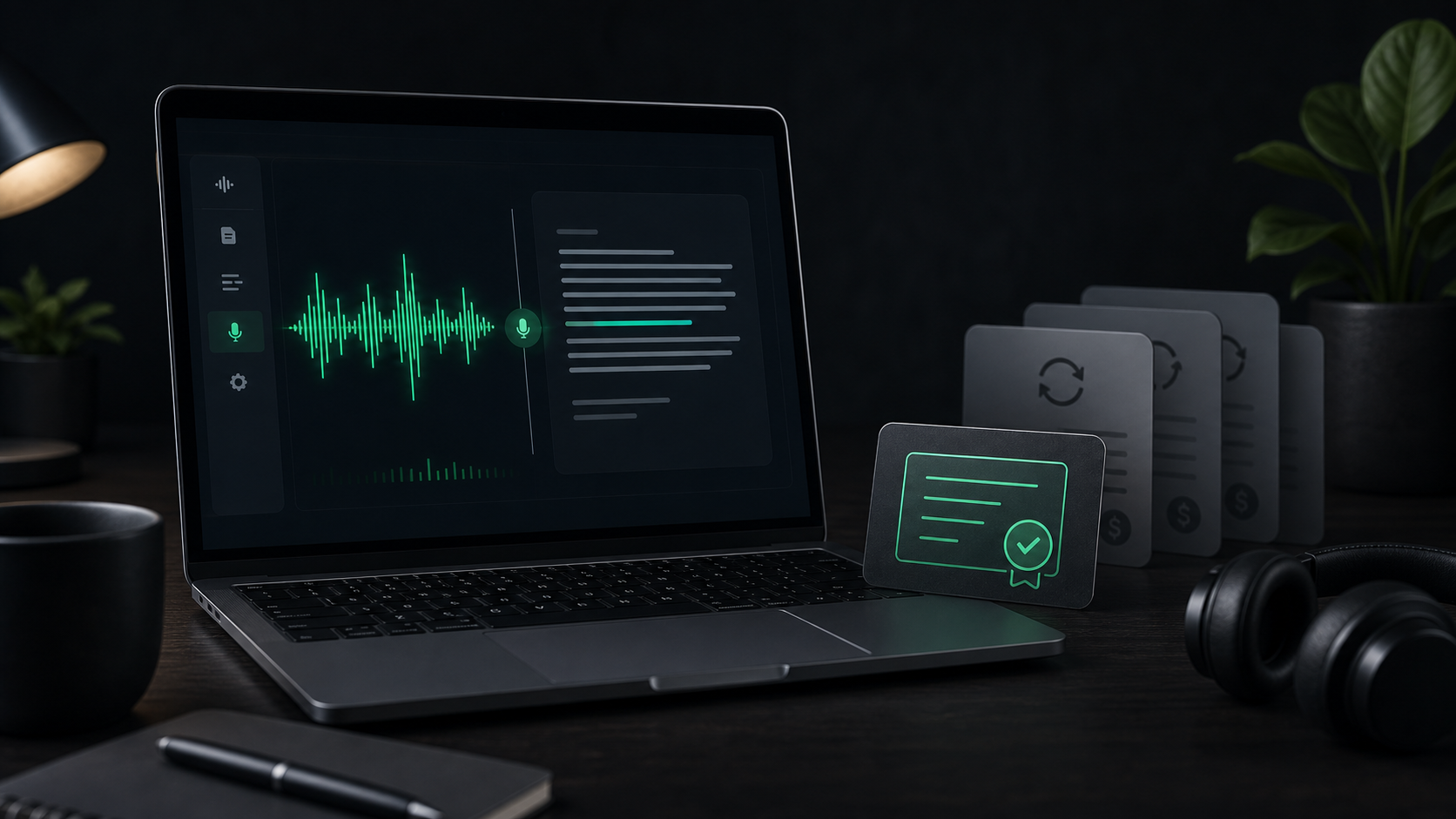
Subscription fatigue is a strange reason to avoid dictation, but it is a real one.
Voice-to-text can be useful every day: quick replies, notes after calls, longer AI prompts, rough outlines, file transcripts, and the half-formed thoughts that are easier to say than type. The awkward part is that many modern dictation tools are priced like ongoing platforms, not small Mac utilities.
That does not make subscriptions wrong. A cloud-heavy app with team controls, context-aware rewriting, mobile sync, support, and frequent model updates may need recurring revenue to keep running well. But if your job is simpler - press a hotkey, talk, get usable text on your Mac - you should be able to decide whether a monthly bill is actually buying something you need.
Start with the job, not the pricing page
The wrong way to compare dictation apps is to start with the cheapest option and hope it fits.
Start with the work you want voice to handle:
- Dictating short text into Mail, Notes, Slack, Cursor, or a browser field.
- Talking through rough thoughts before editing them into something cleaner.
- Turning voice memos, clips, or recordings into local transcripts.
- Prompting AI tools with more context than you want to type.
If you mostly dictate short notes into the app you already have open, the most important feature is a reliable system-wide hotkey. If you process audio files, you need file import and a transcript history. If you dictate technical prompts all day, custom vocabulary, model choice, and cleanup settings matter more than a beautiful recording window.
Price only becomes meaningful after you know the workflow.
Check what keeps costing the vendor money
Subscriptions usually make the most sense when the product has a real ongoing cost for each user.
In dictation, that often means cloud transcription, cloud rewriting, team administration, hosted compliance features, mobile sync, or large language model processing. Those costs can be reasonable if you want the app to do more than raw speech-to-text.
The tradeoff is that you are paying for an operating model, not just a Mac app.
Before you subscribe, ask:
- Does the app need to send audio or text to a server for the feature I actually use?
- Am I paying for team, mobile, or cloud features I do not need?
- Does the free tier cover real daily use, or only a short trial?
- Is the app valuable enough that I would still be happy paying for it two years from now?
That last question is useful because dictation is a habit tool. If it works, it becomes part of your day.
Look at the total cost, not just the first month
As of May 2, 2026, several popular voice dictation tools publish subscription or mixed pricing. Superwhisper Pro lists monthly, annual, and lifetime options. Wispr Flow lists a free Basic tier plus Pro and Enterprise plans. Aqua Voice lists Starter, Pro, and Team plans with annual billing shown on the homepage.
The exact numbers can change, so treat the pricing page as live data. The useful comparison is the shape:
- Free tier: useful if the limits match your real usage, not just your trial week.
- Monthly subscription: flexible, but easiest to forget.
- Annual subscription: cheaper per month, but you commit before the habit is proven.
- One-time small utility purchase: best when the app has a focused job and does not depend on ongoing cloud processing.
For a tool you use twice and abandon, almost any price is too much. For a tool you use every workday, the difference between $8, $12, $15, and a one-time purchase becomes obvious over a year or two.
Do the boring math before you buy:
- Estimate how often you will dictate in a normal week.
- Multiply the monthly price by 12 and 24.
- Compare that with the one-time options.
- Decide whether the subscription-only features are worth the difference.
This is not about finding the cheapest app. It is about not renting features you do not use.
Decide whether local transcription matters
The pricing question is tied to the privacy question.
If transcription runs locally on your Mac, the app can behave more like a traditional utility. The recording is processed on the device, the transcript can stay in local history, and the workflow can keep working without a network round trip.
That matters when your dictated text includes client details, internal planning, customer replies, personal notes, product ideas, code context, or anything you would not casually upload to a random web form.
Local processing is not automatically better for every person. Cloud services can be faster on older hardware and may offer stronger formatting. Some people want that, and the subscription may be worth it.
But if your priority is private Mac dictation, local-first should be near the top of the checklist:
- Can the app transcribe without uploading audio?
- Does it work offline for normal dictation?
- Where are transcripts and recordings stored?
- Are cloud features optional or required?
If the answer is unclear, treat that as a buying signal. Voice data is personal enough that the architecture should not be vague.
Test the everyday workflow before paying annually
The best dictation app is usually the one you keep using when you are busy. That means the trial should not be a tour of every feature. It should be a pressure test of your real day.
Try this for one week:
- Set a hotkey you can press without thinking.
- Dictate three short replies into the apps you already use.
- Dictate one messy paragraph and edit it into a finished note.
- Try one technical or name-heavy example that usually trips up speech tools.
- Check whether the transcript lands where you expect it to land.
- Try one longer recording if file transcription matters to you.
Pay attention to friction. If you keep forgetting the shortcut, switching windows, cleaning the same errors, or worrying where the audio goes, the app has not earned a recurring place in your budget yet.
For SpeakLane specifically, the fastest evaluation is simple: set the global hotkey, dictate into the app where you already write, try a few model settings, and run one file transcription if you have a voice memo or clip handy.
Be honest about advanced features
Advanced dictation apps can do impressive things: rewrite text for the current app, understand screen context, enforce style, use custom dictionaries, transcribe meetings, sync across platforms, and support teams. Those features are valuable when they match the job. They are also easy to overbuy.
If you write with voice all day across Mac, Windows, iPhone, and team workflows, a larger subscription product may be the right call. If you need admin controls, centralized billing, compliance paperwork, or shared dictionaries, a simple one-time Mac utility is probably not the right category.
But if your real need is private speech-to-text on one Mac, the buying criteria are narrower: it should start quickly, insert or copy text reliably, keep audio and transcripts local by default, handle your voice and microphone well enough, let you choose between speed and accuracy, and come at a price you are comfortable paying once.
That checklist is less glamorous than a feature matrix, but it is closer to the daily reality.
When a one-time Mac dictation app makes sense
A one-time dictation app is a good fit when you want voice-to-text to feel like a utility, not a platform.
That usually means:
- You mostly work on a Mac.
- You want dictation in ordinary text fields, not a separate writing environment.
- You care about local processing for sensitive or rough audio.
- You do not need enterprise admin features.
- You would rather own the tool than keep one more small subscription running.
- You are comfortable editing the transcript yourself instead of outsourcing every rewrite to a cloud model.
This is the lane SpeakLane is built for: private local dictation on Mac, file transcription, local history, model choice, and a one-time license instead of a monthly plan.
That distinction matters. The best purchase is not the app with the longest pricing table. It is the app whose business model matches the work you actually want voice to do.
A simple decision rule
Use a subscription dictation app when you clearly need cloud-heavy features, cross-platform breadth, team controls, or advanced rewriting that justifies the ongoing bill.
Use a one-time Mac dictation app when your main need is private, fast, local speech-to-text in the apps where you already work.
And if you are unsure, do not decide from the homepage. Pick three real tasks, run them through the tool, and look at the result. Dictation either earns its place in your workflow quickly, or it becomes another app you meant to use.
The pricing model should make that habit easier to keep, not harder to justify.