How I 10x'd my note-taking speed with voice
Voice-to-text is not just faster typing. It helps you capture ideas before they flatten into bullet points.
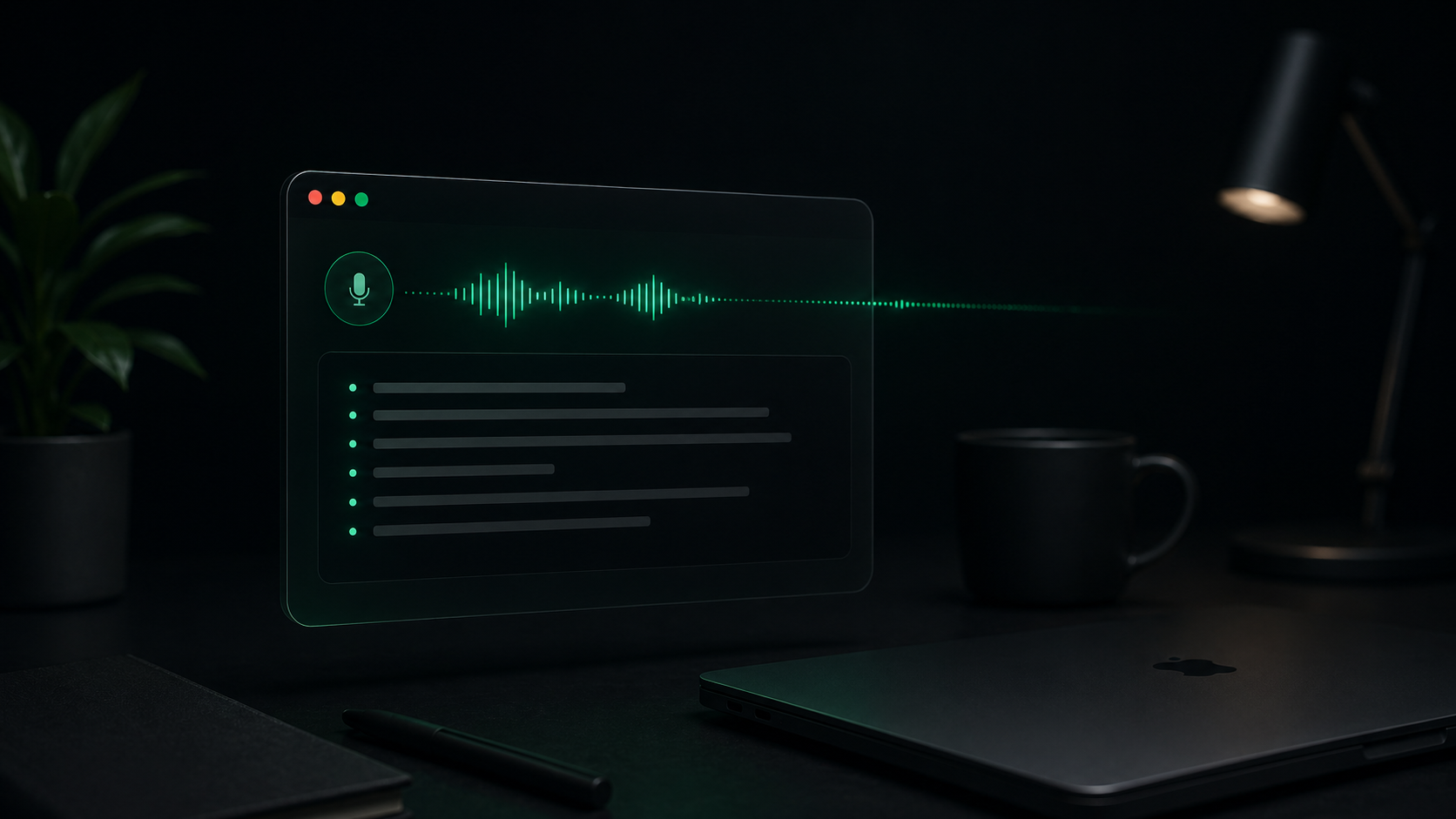
Most note-taking systems assume the slow part is organization. For me, the slow part was getting the first draft down before the idea cooled off.
Typing is precise, but it makes every sentence feel final too early. Speaking gives the messy middle somewhere to go. I can capture the shape of a thought, then edit it after the useful parts are visible.
Start with raw capture
When I am thinking through a customer email, product idea, or bug report, I start Speaklane and talk for one or two minutes. I do not try to sound polished. I try to be complete.
That first pass usually includes context, tradeoffs, and the "why" that I would skip if I started with a blank document.
Edit after the thought exists
Once the transcript is on the page, I switch modes. I delete repeats, move the strongest sentence up, and turn the rest into structure.
The speed gain comes from separating capture from editing. Voice handles momentum. Typing handles precision.
Use short sessions
Long dictations are harder to clean up. Short sessions are easier to trust:
- One idea per recording.
- One decision per note.
- One rough outline at a time.
That rhythm keeps transcripts useful instead of turning them into another inbox.
Keep privacy boring
The best part is that this workflow does not require uploading a private draft to a transcription service. Speaklane runs locally on the Mac, so messy notes can stay messy without leaving the machine.