
Sam P.
I use speech to text often enough, but got tired of paying for another subscription so finding SpeakLane was a huge win for me. Truthfully I've not noticed many differences compared to the other subscription products out there.
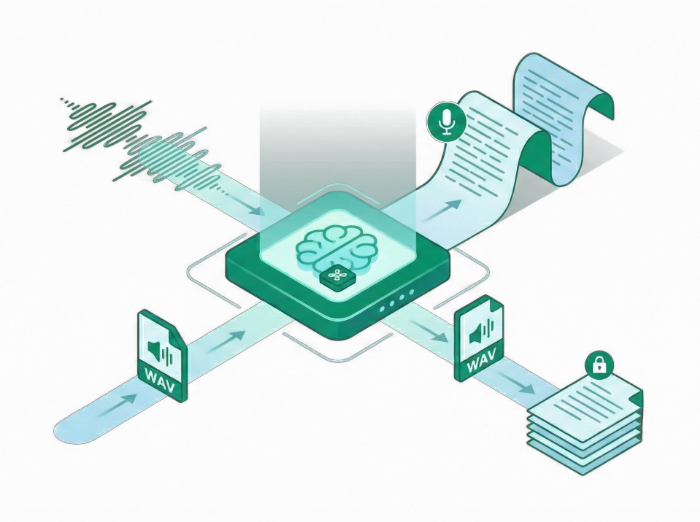
SpeakLane runs entirely on your Mac, using fast, on-device AI to turn speech into text—fully local, always private. Nothing leaves your machine. Pay once and own it forever.
“SpeakLane is what I've been looking for. Fast transcription that runs and stores locally on my Mac. And my favorite part? I don't need yet another subscription.”
Everything you need for fast, accurate transcription on your Mac. Powered by on-device AI and built for privacy with nothing leaving your machine.
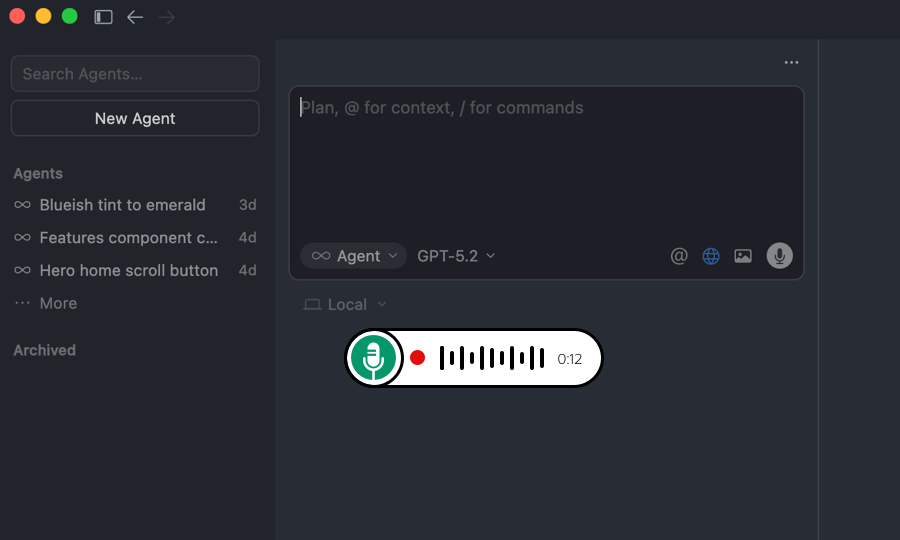
Record from the menu bar / hotkey or import audio files directly. Every transcript is transcribed live and saved to local history so you can reference it whenever you need.
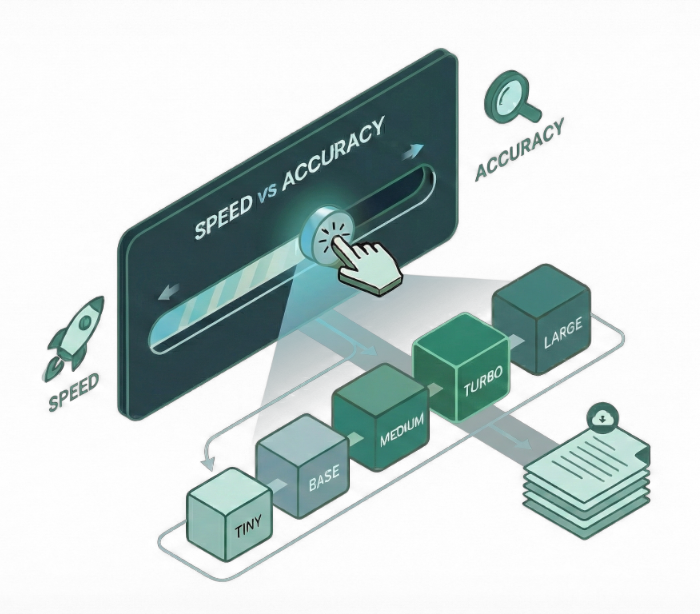
Pick Tiny, Base, Small, Medium, Turbo, Large, plus English-only variants. Download the local models you need and switch anytime to optimize for your workflow.
Auto-copy and auto-insert send final text straight into the focused app right after transcription is complete, if enabled. No more manual copy-paste.

Expand shorthand into polished text automatically with custom expansions before saving or insertion. Perfect for templates and recurring responses.
Automatically remove common fillers like “um” and “uh”, then fix spacing and punctuation so the result reads naturally.
Enable Metal GPU acceleration for better performance, with automatic CPU fallback when needed. Supported on Apple Silicon Macs only.
Choose where History is stored and keep the last N recordings or everything. Delete individual sessions anytime.
Included models support 99 languages as well as English-only variants that perform better for English dictation.
Set a global keyboard shortcut to start and stop dictation in any app, without switching context or opening a window.
A quick look at the core moments you'll use every day. Simple on the surface, powerful underneath.
One purchase gets you the full macOS app. No subscriptions, no recurring fees. All transcription happens locally on your Mac using on-device AI.